
Spotter and Preview: Find the Right Moment in Media
Search video for visible people, objects, and scenes through candidate frames, then inspect the exact moment and related local files in Preview.
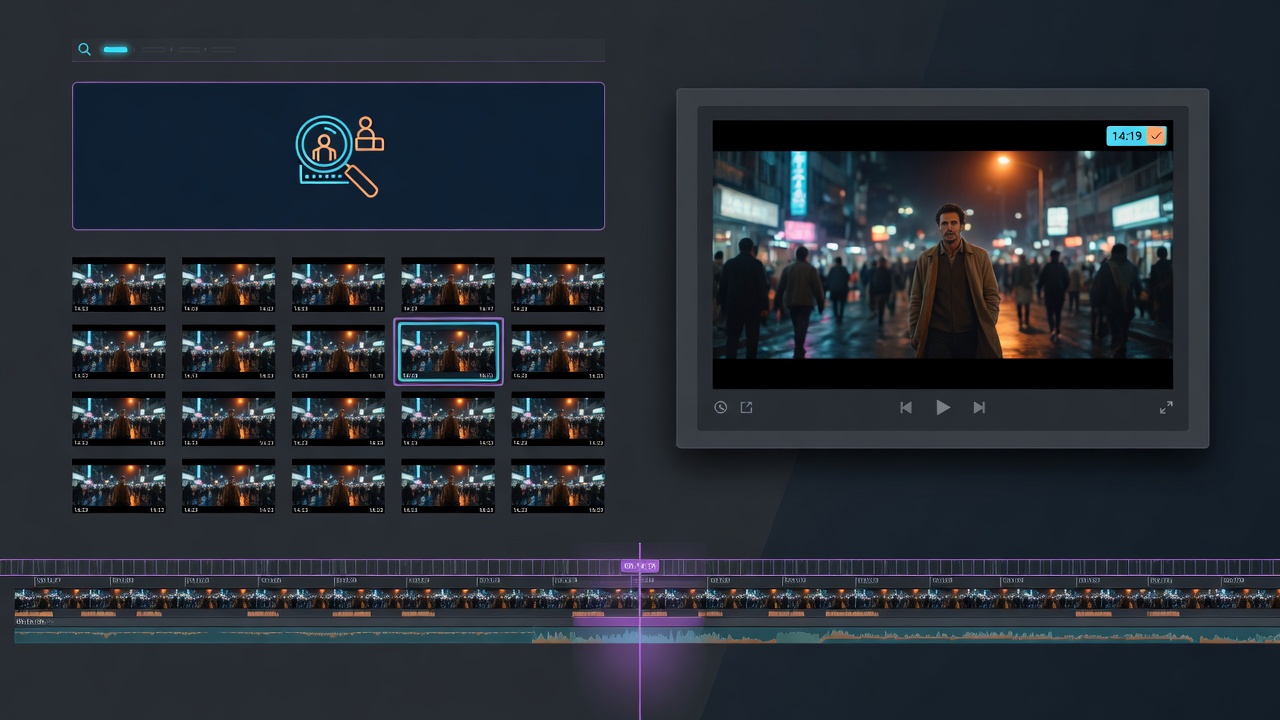
Finding one moment inside a long video can be slow. You may remember the red backpack, a product close-up, a person entering the room, or the first appearance of a key scene—but not the timestamp.
Dojo’s Spotter narrows the search to a bounded set of candidate frames. Preview then opens the original video and related files so the promising moment can be verified in context.
Search by what you remember
Describe visible content in ordinary language: “the first time the blue car appears,” “the presenter beside the chart,” or “the audience reaction after the announcement.” Spotter searches for people, objects, and scenes as visual content; it is not local face-recognition enrollment and should not be described as proving a person’s identity.
Distinctive details and approximate timing improve the search. A time range can focus the extraction, while scene-cut detection can surface visually different moments across the footage.
Review candidate frames instead of every second
The workflow extracts a manageable shortlist rather than handing a person thousands of frames. When several candidates are close, a timestamp-labeled contact sheet can make comparison faster.
Candidate frames accelerate review; they do not replace it. Similar scenes, partial occlusion, and brief appearances can create ambiguity. Select the strongest candidate, then open the original video around that timestamp and inspect nearby seconds before drawing a conclusion.
Inspect the real asset in Preview
Preview opens local images, video, audio, markdown, text, HTML, and supported web pages. Video and audio can seek directly to a timestamp, making it easy to move from a Spotter result to the exact source moment.
The same project may include a transcript, thumbnail, audio mix, caption file, and local presentation page. Preview keeps those outputs reachable for review instead of leaving them as paths in a log.
Search finds the candidate. Preview supplies the context.
Shorten everyday media review
Editors can find the first usable product shot. Producers can locate audience reactions. Researchers can identify visual themes. Support teams can inspect a screen recording for a particular interface state. Teachers can find when a diagram appears. Designers can open a local prototype beside its images and notes.
The practical loop is consistent: describe what you need, narrow the footage, inspect the candidate, verify the surrounding context, and continue with a confident timestamp and evidence frame.
Move from “somewhere in here” to the right frame
Spotter and Preview make local media easier to navigate intentionally. Semantic description reduces the search space. Candidate frames make comparison manageable. Seeking reveals the moment in motion.
Together they turn a vague memory into a verified place in the actual media—ready for editing, evidence, explanation, or the next creative decision.