
Dojo Automation: Run the Workflow. Keep the Proof.
Dojo turns operational outcomes into multi-step browser runs with intelligent waits, human control, verification, and inspectable proof artifacts.

Automation is easy to describe badly.
“Make the computer do it” sounds simple until the work reaches a real website, waits for a real process, encounters a changed page, downloads a real file, or asks permission before an action that affects someone else.
Useful automation is not merely a chain of clicks. It is a controlled operation with a defined outcome, observable steps, intelligent waits, clear boundaries, and evidence at the end.
That is the automation experience Dojo is built to deliver.
You describe what must be accomplished. Dojo can open a browser, navigate the workflow, inspect the page, complete forms, upload inputs, wait for real conditions, collect outputs, and verify the result. Along the way, it can capture screenshots, recordings, downloads, and other artifacts when the run calls for them.
The goal is not to hide the operation behind a magic trick.
The goal is to run the workflow—and keep the proof.
Begin with the outcome, not the clicks
Traditional browser scripts usually begin with instructions such as “click this selector” or “wait three seconds.” Those details matter, but they are not the reason the operation exists.
An operations workflow begins with an outcome:
- submit a completed form with the correct attachment
- collect a report after processing finishes
- verify that a public page reflects an approved change
- capture evidence from several views
- move information between systems without losing the audit trail
Starting with the outcome gives every later action a purpose. It also creates a finish line. The browser does not succeed because it reached the final click. It succeeds when the requested result exists and can be inspected.
Dojo works from that broader intent. It can translate an outcome into a sequence of browser actions, checks, waits, and artifacts while keeping the conversation focused on what the operation means.
That distinction matters whenever a page changes, a service takes longer than expected, or the obvious click does not produce the expected state. A brittle script knows only the next instruction. An agent working toward an outcome can inspect what happened and decide what evidence is needed next.
A browser run is more than navigation
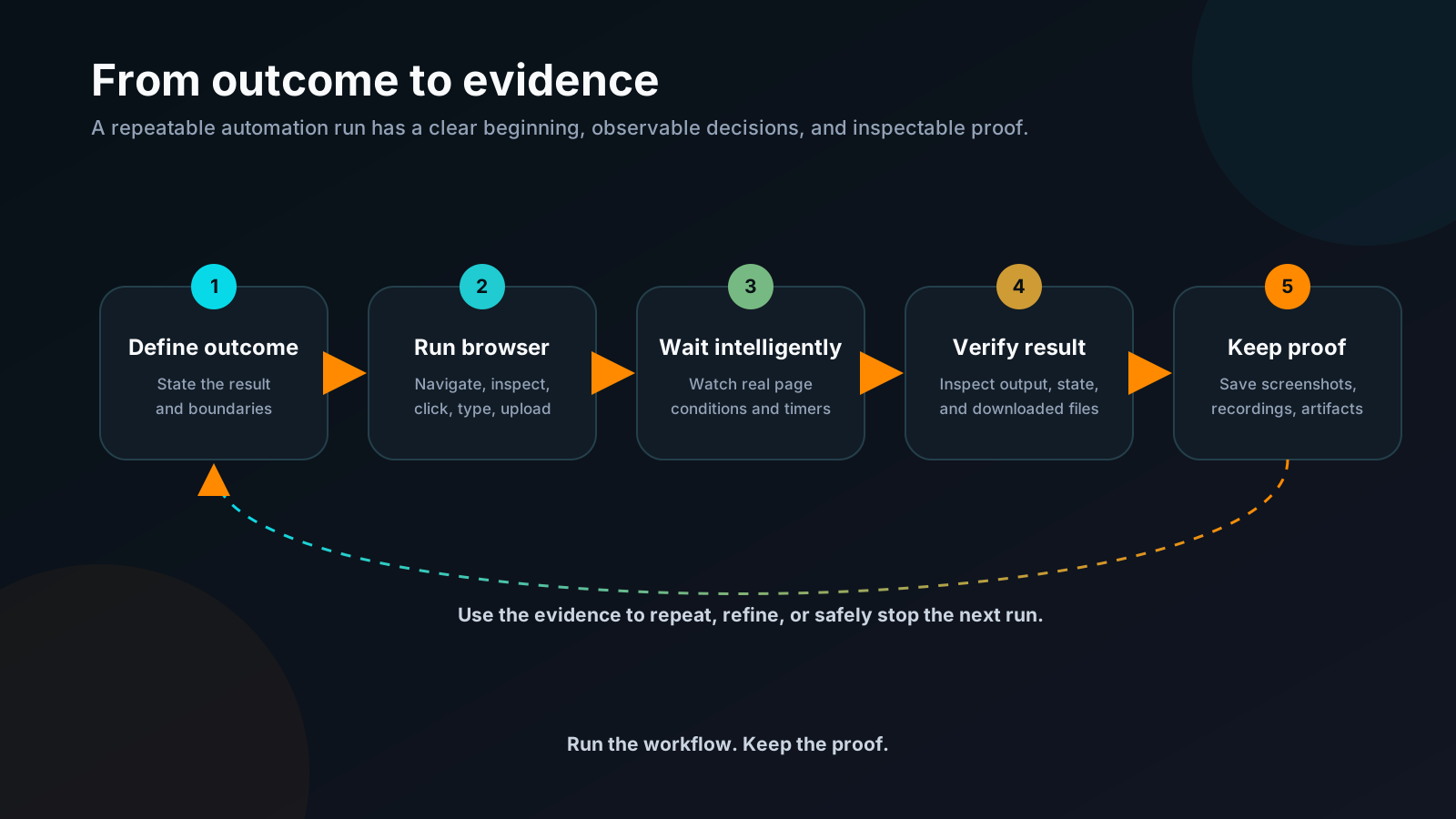
Dojo’s browser can carry out the ordinary mechanics of a web operation: navigate, click, type, hover, press keys, move through browser history, fill forms, and submit them.
But modern browser work rarely ends there.
A run may need to inspect an element before interacting with it. It may need clean page text, structured content, or the underlying document. It may need to upload a file, switch tabs, accept a dialog, choose an option, or wait for a download. It may need to compare what the page says before and after an action.
These steps belong to one continuous browser session. Cookies, page state, navigation history, and the context of the operation remain available while the workflow advances.
For routine automation, the browser can work quietly. When the user needs to observe, troubleshoot, or participate, the session can be visible. The point is not to force every operation into the same presentation. It is to use the right level of visibility for the work.
A multi-step run can therefore look less like a macro replaying coordinates and more like a careful operator moving through the actual system.
Wait for reality, not an arbitrary delay
Many automation failures begin with a timer pretending to be knowledge.
A script sleeps for three seconds and assumes the page is ready. Most days it works. Then the network slows down, a queue grows, an animation changes, or a remote service takes four seconds. The script continues confidently into the wrong state.
Dojo can wait on real browser conditions instead:
- an element appears
- expected text becomes visible
- a selector reaches the page
- navigation completes
- a download starts or finishes
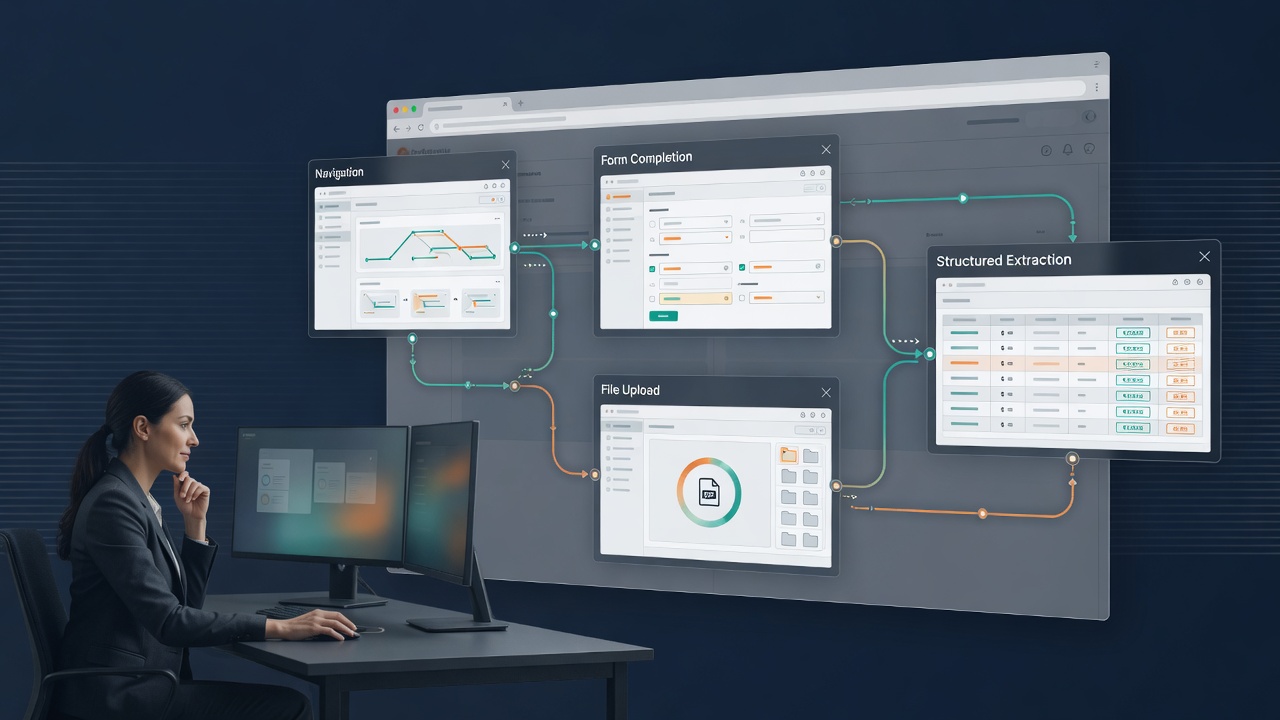
When the operation depends on time rather than page state, Dojo also has purpose-aware timers. A timer can wait for a long-running tool, a user decision, a polling interval, a cooldown, or another external event without burning effort in a busy loop.
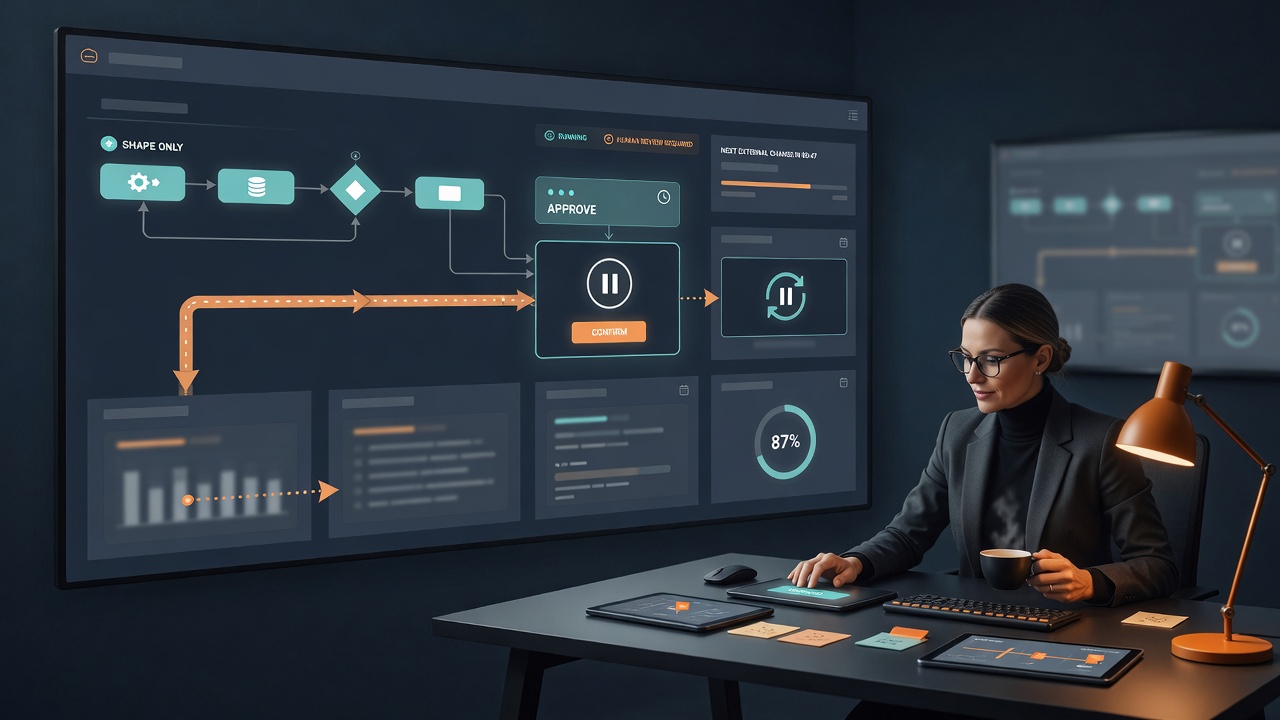
The waiting state is visible. It carries a memo explaining what the workflow is waiting for, shows progress, and gives the user a Wake Up control when human judgment should resume the run early.
This creates a healthier rhythm for automation: act when the condition is satisfied, wait when reality has not caught up, and let the person intervene when the situation changes.
Verification belongs inside the workflow
A completed click sequence is not the same as a completed operation.
After submitting a form, did the confirmation actually appear? After requesting a report, did the correct file download? After changing a setting, did the page display the expected state? After capturing a screenshot, did it include the whole page or only the visible viewport?
Dojo can inspect the state produced by the run instead of treating the final interaction as proof by itself.
Verification may mean reading a confirmation, checking a value, inspecting an element, retrieving page content, confirming a filename, or opening the resulting artifact. The right check depends on the requested outcome.
This is where automation becomes trustworthy. Every important claim can point to an observable result:
- the expected page state exists
- the correct file was downloaded
- the screenshot contains the required view
- the recording finalized successfully
- the artifact is stored where the project can reach it
The workflow ends with evidence, not optimism.
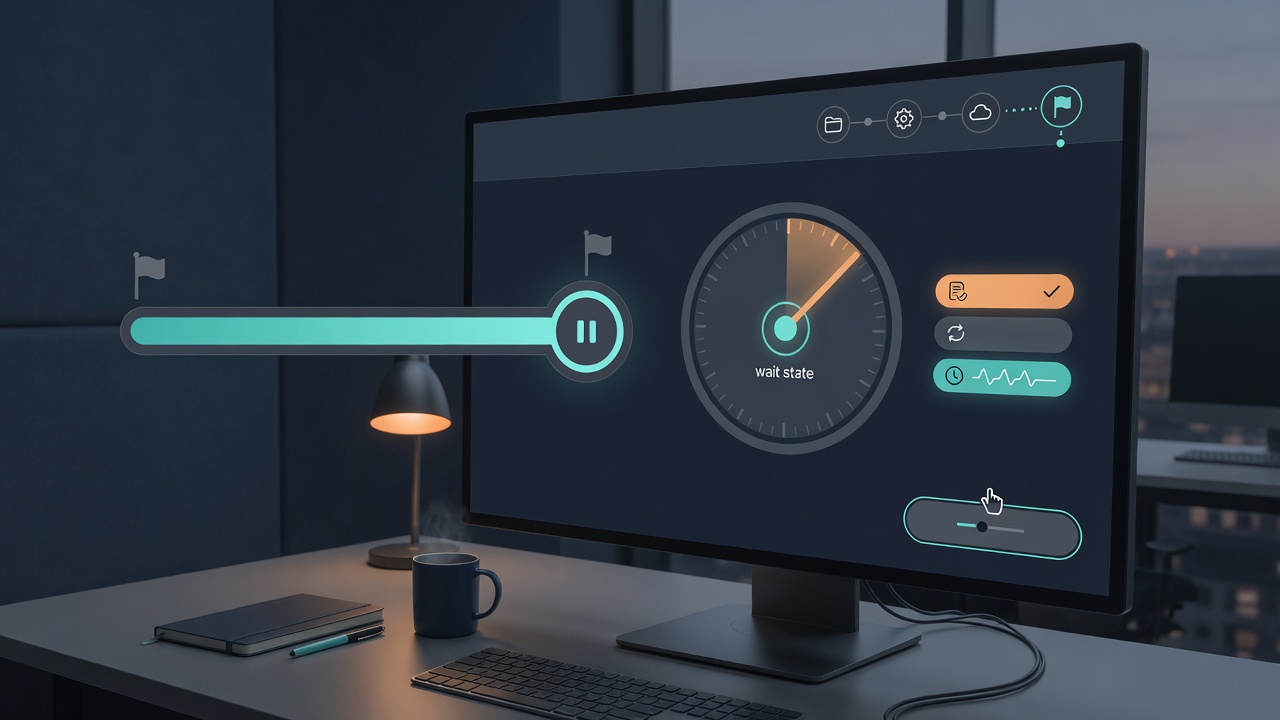
Screenshots, recordings, and downloads become the proof
Operational work often needs more than a success message.
A screenshot can document what a page showed at a particular moment. Dojo can capture the visible viewport, a full page, or a specific element. It can also use mobile and custom viewport sizes when the proof depends on responsive layout.
A browser-session recording can preserve the sequence itself when the recording-enabled browser path is used. That is valuable for demonstrations, reviews, troubleshooting, and workflows where the path matters as much as the final state.
Downloads and generated outputs are also artifacts. Dojo can wait for them, identify their filenames, and return their local locations for inspection. These outputs stay inside the project’s managed artifact area rather than being scattered unpredictably across the working tree.
The important distinction is that proof is captured deliberately. Not every operation needs every form of evidence. A five-step data lookup may need only a result and one screenshot. A long visual review may deserve a recording, several viewport captures, and a downloaded report.
Dojo can collect the evidence the run requires without pretending that more artifacts automatically mean more certainty.
Repeatable does not mean blindly replayed
Repeatable work has a stable purpose and a recognizable structure.
It does not mean the world will remain frozen between runs.
Websites change. Labels move. Processing times vary. Login sessions expire. Files arrive with new names. A responsible automation system must preserve the intent of the workflow while observing the conditions of the current run.
Dojo supports that kind of repeatability. The operation can follow the same outcome, sequence, checks, and evidence plan while still inspecting the live page in front of it.
Artifacts from one run can help refine the next. A screenshot can reveal a changed layout. A recording can show where a wait began too early. A downloaded file can confirm that the output naming convention changed. The proof is not only for reporting afterward; it improves future execution.
This is a more useful standard than promising deterministic replay in an environment that is not deterministic.
Human control stays part of the operation
Automation should remove repetitive effort without quietly removing responsibility.
Some actions are local and easily reversible. Others affect external systems, publish information, upload files, change shared state, or create consequences for other people. Those actions deserve visible boundaries.
Dojo can pause for permission rather than treating access as blanket approval. In conservative operation, writes, commands, media work, and access beyond the active project can require confirmation. A rejection or timeout stops the pending action.
The same principle applies inside a browser workflow. A person can remain involved at the moments that call for judgment while allowing the routine mechanics to proceed without constant supervision.
This is human-in-the-loop automation in the practical sense: not a ceremonial approval at the beginning, but control at the boundary where the decision matters.
The user defines the outcome. The workflow exposes its progress. Dojo asks before crossing sensitive boundaries. The evidence remains available afterward.
Stay informed without staring at the run
Operations work is often visual, but watching every automated click defeats much of the benefit.
Dojo can keep the user informed through concise progress updates while the browser session, timer, or delegated work continues. When voice is enabled, eligible updates can be spoken in order, allowing the person to follow the operation without reading a running wall of text.
That does not mean narrating every mouse movement.
Useful progress sounds like this: the form is complete; the service is processing; the workflow is waiting for the report; the download finished; verification passed; the evidence is ready.
The interface carries the exact artifacts. The conversation carries the meaning of the operation.
That separation keeps the experience calm even when the workflow has many steps.
What Dojo automation is—and what it is not
Dojo today provides agent-guided browser automation, intelligent waits, timers, screenshots, controlled uploads and downloads, optional session recording, structured inspection, and project-scoped artifacts.
Those capabilities support repeatable operations, but honesty matters around the boundaries.
Dojo is not claiming that every browser run is automatically recorded. Recording is used when the compatible recording path is enabled and the workflow calls for it. It is not claiming a cron scheduler, a marketplace of saved no-code recipes, or guaranteed deterministic playback against changing websites. It does not promise that external actions happen without human approval.
Those are not small-print omissions. They define the product clearly.
Dojo’s strength is the quality of the run happening now: understand the outcome, operate the real browser, wait on real conditions, verify the result, and preserve useful evidence.
Run the workflow. Keep the proof.
The best automation is not the one with the most steps hidden behind a button.
It is the one you can understand, supervise, verify, and repeat with confidence.
Dojo turns an operational outcome into a browser run. It can navigate the system, complete the work, pause when reality requires patience, ask when human judgment matters, and gather the artifacts that show what happened.
That changes automation from “the script probably ran” into something much stronger:
The workflow ran. The result was checked. The proof is here.