
Voice and Multilingual Speech: Choose How You Interact
Speak naturally, listen while your eyes stay on the work, and use supported language and voice options that fit the person, task, and environment.
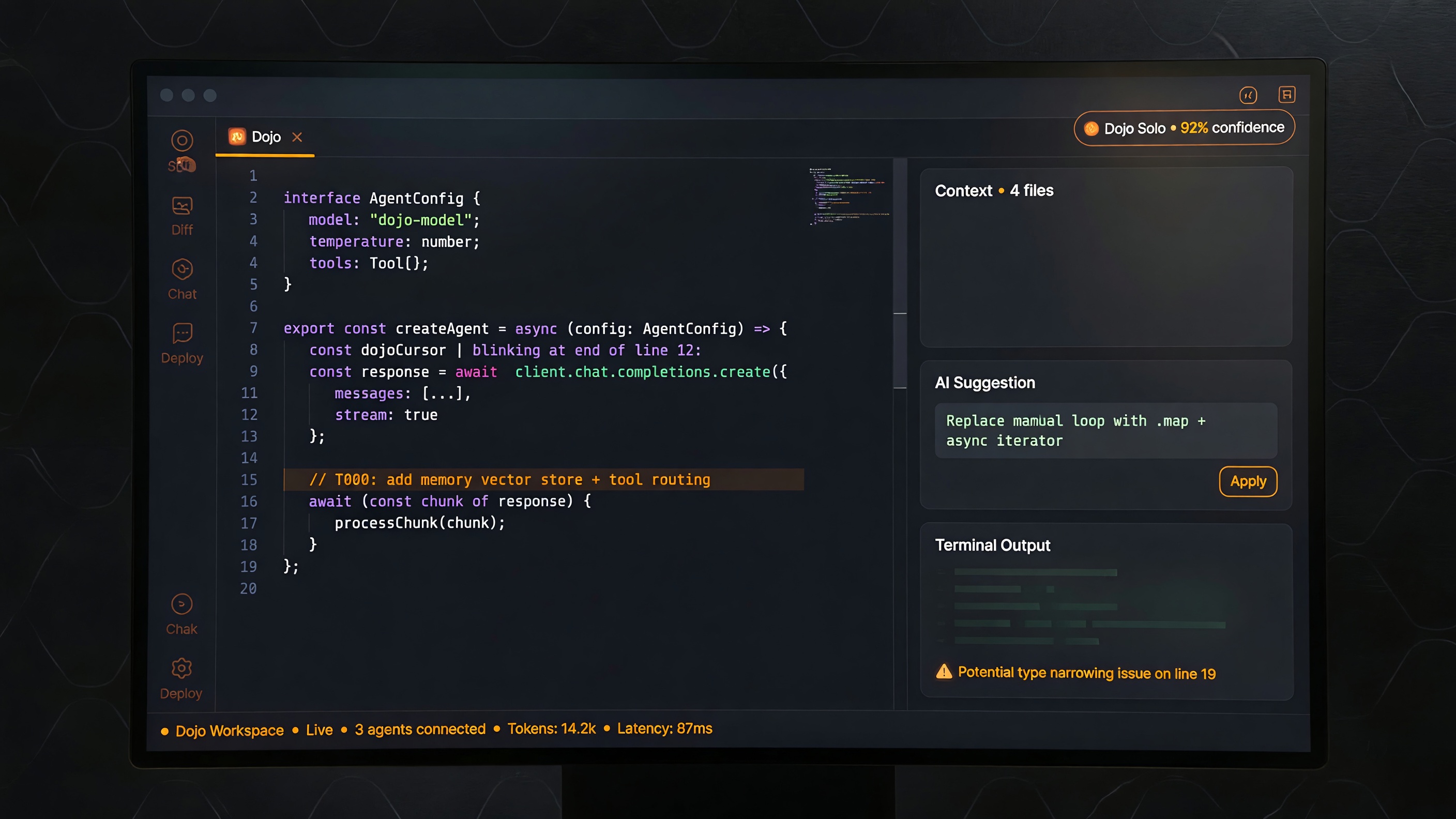
Work does not always begin at a keyboard. Sometimes the fastest way to express an idea is to say it aloud: describe a visual direction, outline a workflow, ask a question, or redirect the result while keeping your eyes on the work.
Voice is not a replacement for text. It is another channel—useful when speaking is faster, more natural, or more accessible, and optional when quiet, exact wording, or written review matters more.
Talk through ideas while they are still forming
Spoken requests are valuable for exploratory work. Describe a mood, narrate the steps of a process, or explain what feels wrong about a first result. Voice carries pacing, emphasis, and context that hurried keywords often lose.
Natural speech still benefits from a clear goal and definition of success. Review names, numbers, technical terms, and final wording before relying on them. The strongest workflow combines easy speaking with visible artifacts and deliberate confirmation.
Keep the interaction user-directed
Language and voice preferences are personal. The right path depends on the task, environment, fluency, privacy needs, and precision required. Dojo supports local and cloud choices with different trade-offs, and people decide which features to enable.
Voice can improve access for people who prefer not to type continuously, but accessibility requires more than audio. Readable text, editable requests, visible results, and time to review remain essential.
Let language expand participation
Multilingual speech gives people more ways to express ideas in the language that feels natural to them. It can support creative direction, collaboration, explanation, learning, and translated voice experiences.
No voice path removes the need for review. Dialects, names, specialized vocabulary, cultural references, and tone may need correction. Cloud speech also means text or audio leaves the device, so users should enable it knowingly and choose the provider and workflow that fit their needs.
The goal is practical communication—not pretending language differences no longer matter.
Speak when speaking helps
Voice and multilingual speech expand user agency. Speak when it helps ideas move. Type when precision is easier. Listen when your eyes should stay on the work. Use the language that carries the idea best, then inspect and refine the result.
Dojo supports those choices without forcing one interface on every person or every moment.