
Dojo Multimedia Powerhouse: Far Beyond Coding
Create and edit images and video, generate speech, transcribe and inspect media, search footage, and render visual explanations—all inside one Dojo workspace.
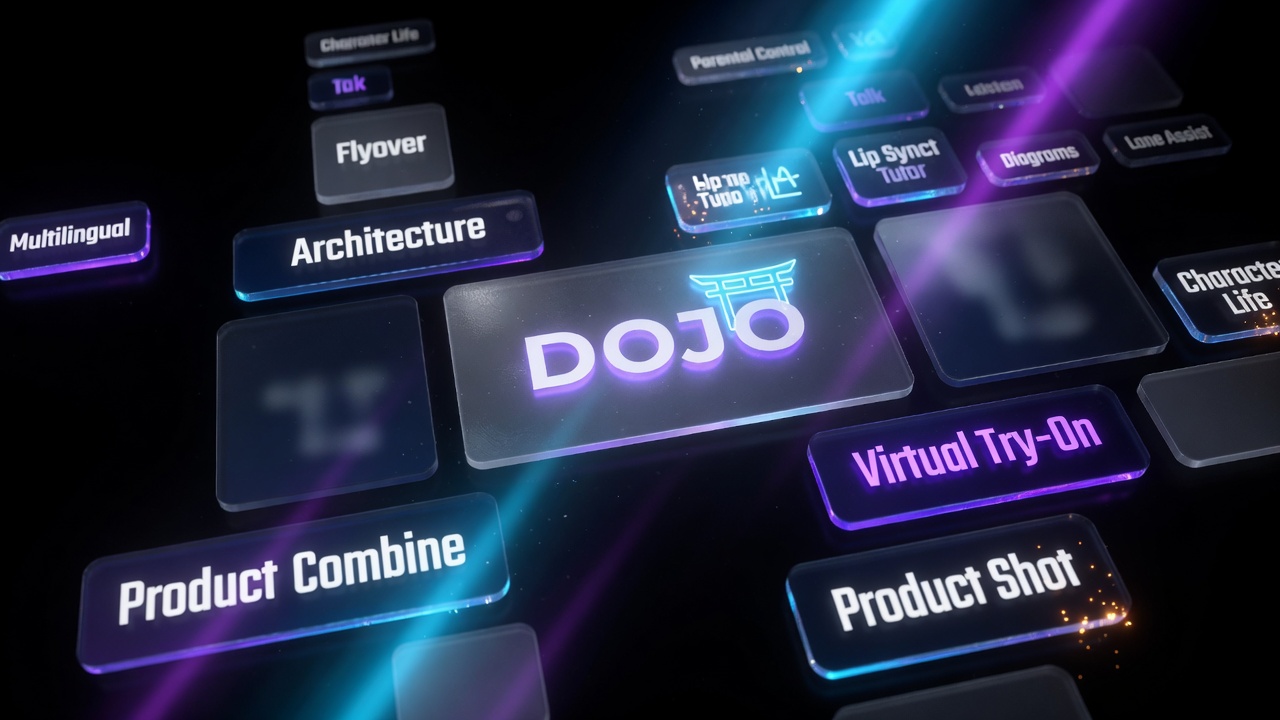
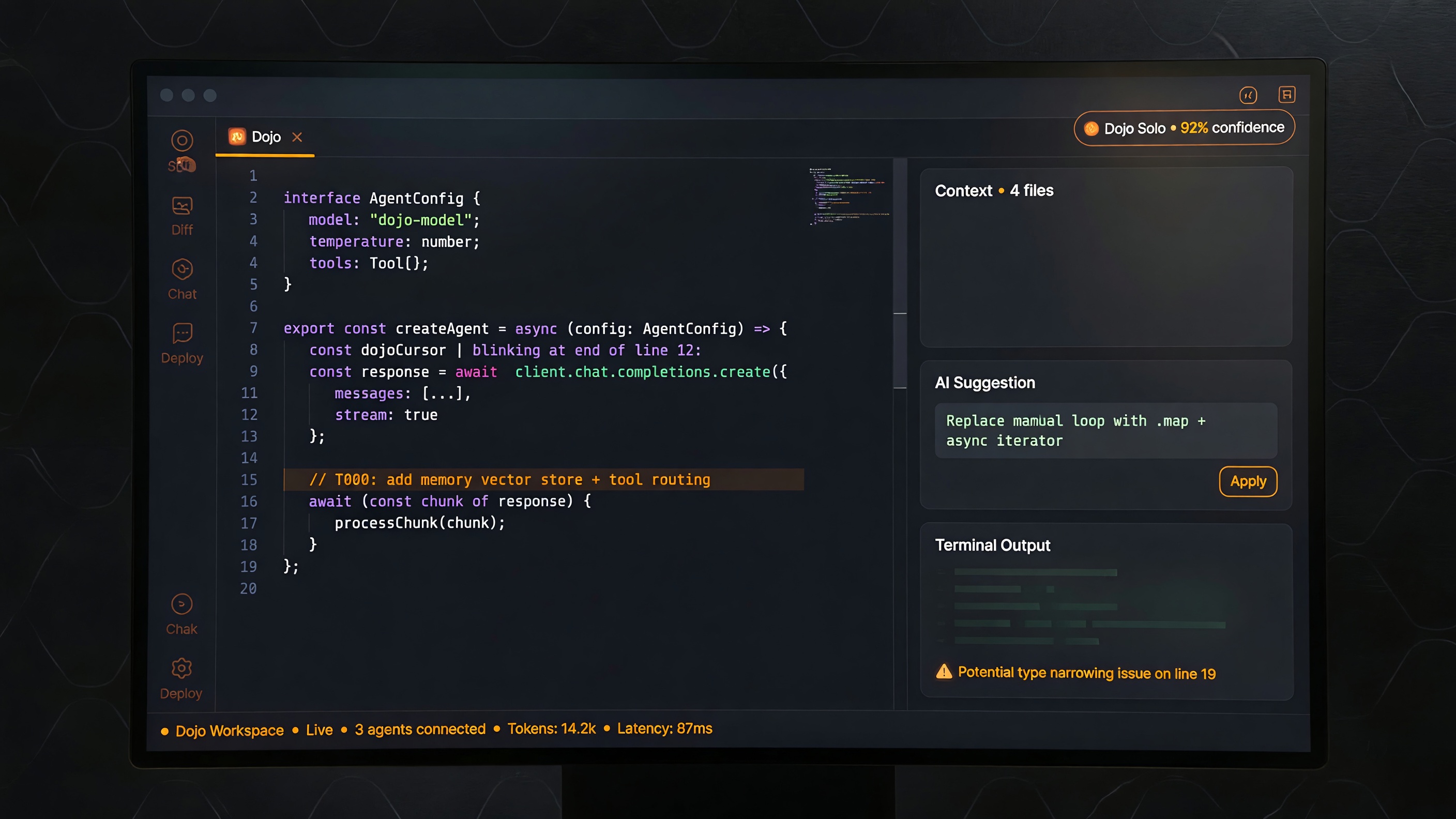
Dojo is more than a coding workspace. It is a multimedia production and analysis environment where an idea can move from words to images, from a still to motion, from a recording to a transcript, and from a complicated explanation to a visual artifact without leaving the conversation.
That breadth matters because creative work rarely belongs to one tool. A product launch may begin with reference images, become a polished hero shot, expand into a short promotional film, need a voiceover, and finish with several inspected delivery files. A property concept may begin as a sketch, become a photoreal visualization, and then move through a cinematic flyover. A long recording may need transcription, scene search, thumbnails, captions, and technical verification.
Dojo brings those steps into one working relationship: explain the outcome, provide the source material, review the result, and refine it.
Create visually
Dojo can create new images from a description and edit existing images while preserving the source that matters. Reference-based work is central: the person, product, garment, building, packaging, pose, composition, or brand identity should remain anchored while the requested change is applied.
Explore the focused guides:
- Virtual Fashion Try-On
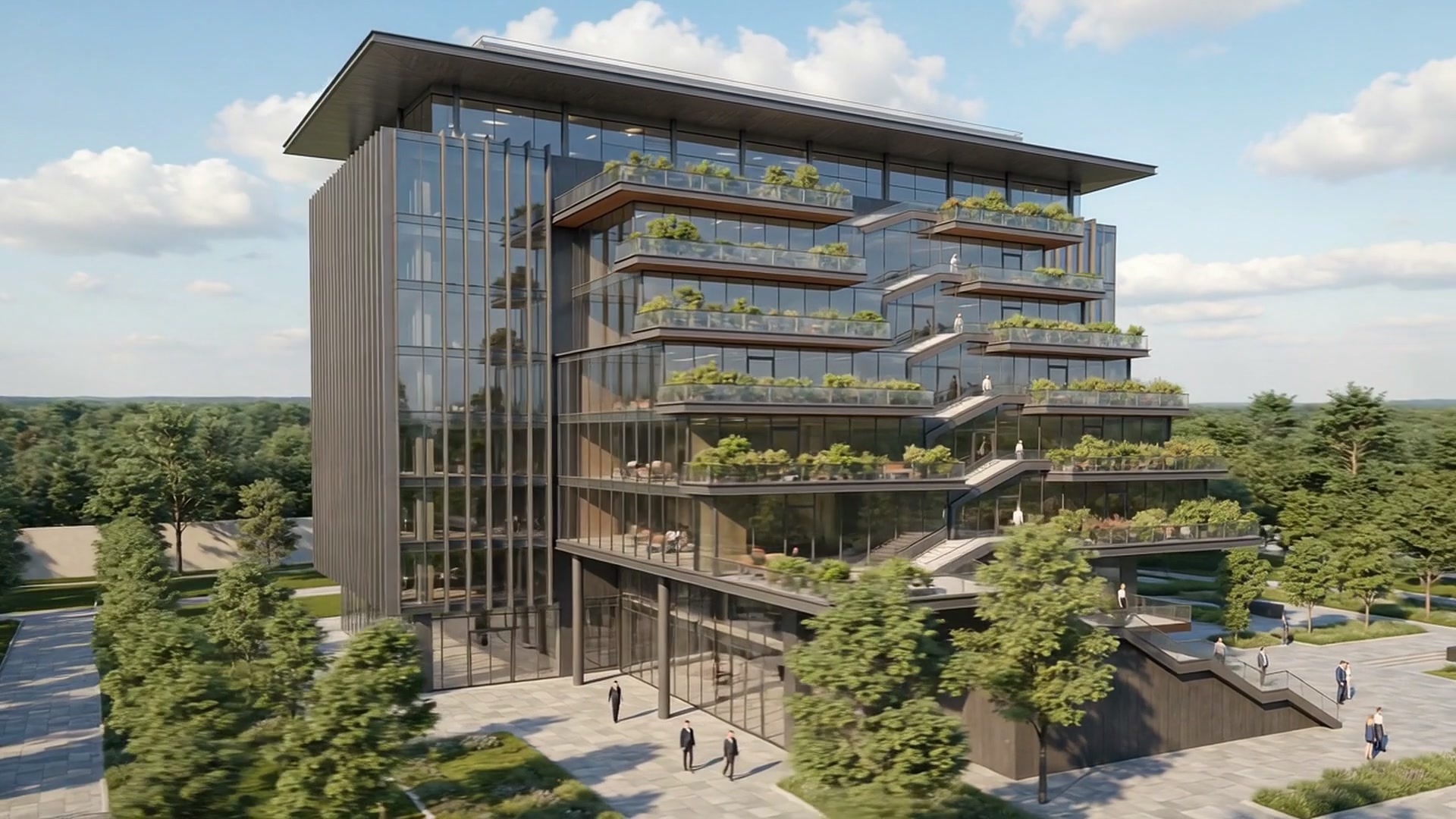
- Sketch to Render and Cinematic Flyover
- Combine Products for E-commerce
- Product Imagery from Brand References
The value is not merely generating a pretty picture. It is carrying source intent into a useful commercial or creative result.

Build launch-ready product worlds
Product content often begins with separate references: one package, one accessory, one bottle, one early packshot. Dojo can develop those references into polished lifestyle imagery, cohesive product groupings, and stronger campaign compositions.
A single product can be placed into a deliberate visual world. Several products can be combined into one listing scene. Once the still is approved, it can become the starting point for promotional motion.
Continue with Turn Product Stills into Cinematic Promotional Videos.


Turn stills into motion
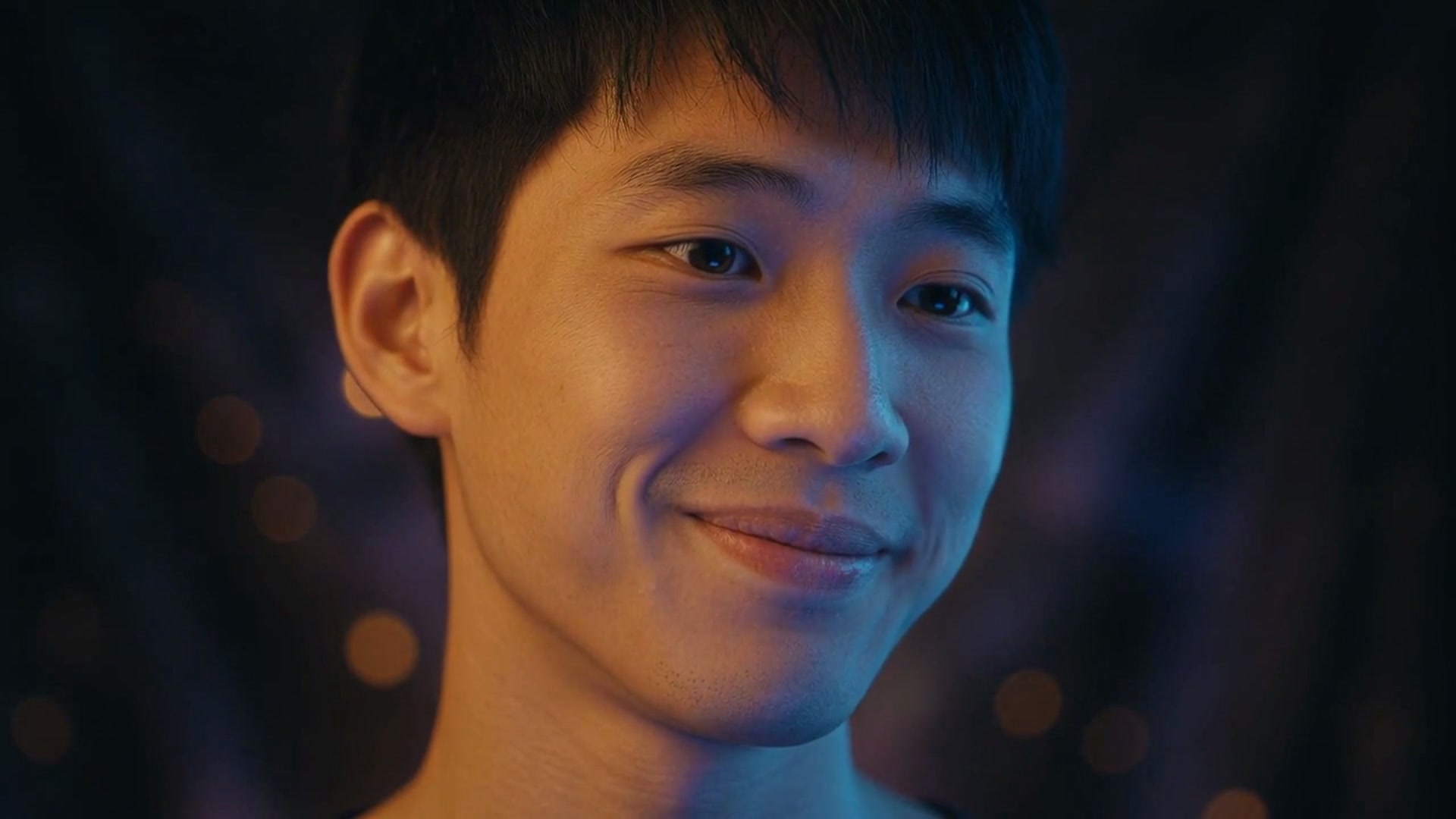
A still image can become a short film when motion strengthens the idea. Dojo can animate a product shot into a cinematic promo, bring an illustrated or photographic character to life, or extend an architectural visualization into a moving reveal.
The strongest motion is intentional. A subtle camera push can make a product feel premium. A small expression can make a character feel present. A measured aerial move can help a client understand the scale and mood of a property.
See Character Animation from Still Images.

Make complex ideas visible
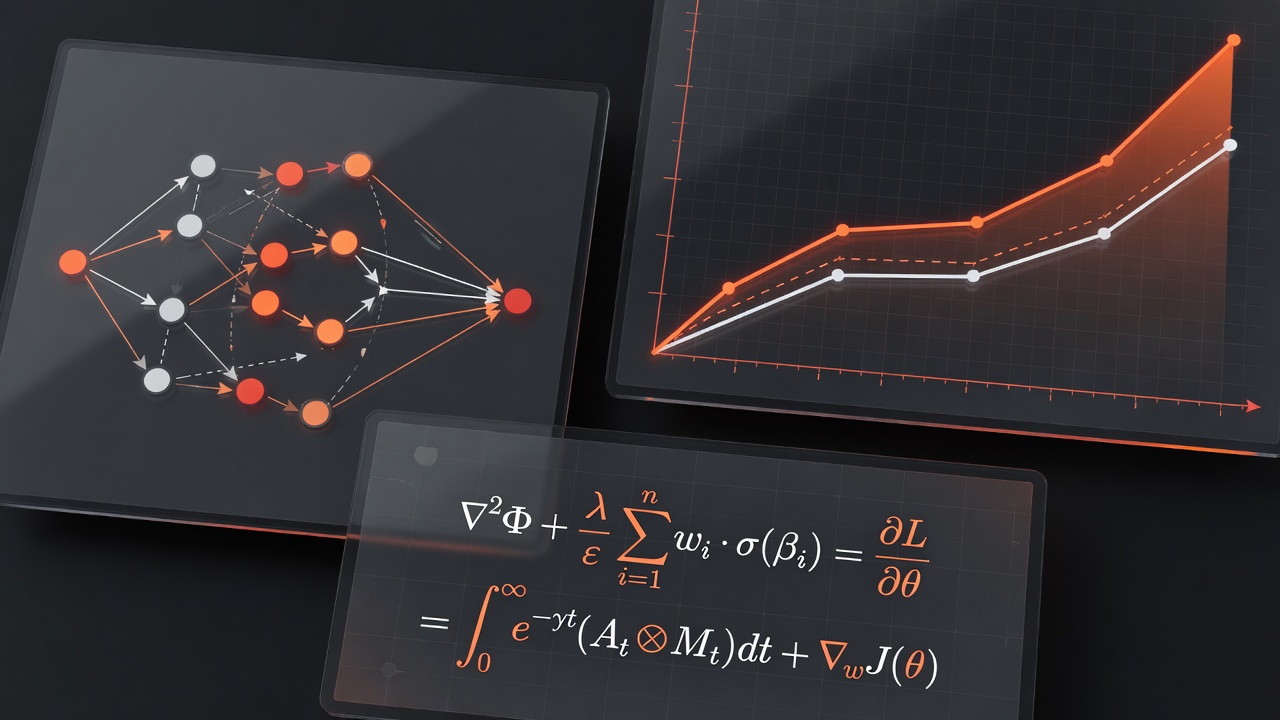
Some information should not be forced into another paragraph. Dojo can render flowcharts, state machines, sequence diagrams, architecture maps, charts, equations, and scientific ideas as dedicated visual artifacts.
A state machine makes transitions visible. A flowchart reveals a decision path. A chart makes comparison easier. An equation preserves precision.
Read Diagrams, Charts, and Equations: Make Complex Ideas Visible.
Speak, listen, and work across languages
Dojo supports spoken interaction so creative direction can arrive naturally. Describe the mood, explain the change, redirect the work, or ask for a clearer explanation while keeping your eyes on the visual result.
Voice and multilingual options expand the ways people can participate. Local and cloud paths provide different choices around privacy, language, and voice quality.
Read Voice and Multilingual Speech: Choose How You Interact.
Transcribe, search, transform, and inspect
Dojo is not only a generation surface. It can inspect media metadata and codecs, transcribe local English speech, extract thumbnails, trim and transform files, prepare subtitles, combine compatible streams, and create delivery artifacts.
Spotter helps narrow long video to candidate frames for people, objects, and scenes described in ordinary language. Preview opens local images, video, audio, text, and HTML so the result can be inspected where the work is happening.
Go deeper:
One workspace. Many kinds of work.
This hub connects the complete Dojo multimedia launch series:
- Virtual Fashion Try-On
- Sketch to Render and Cinematic Flyover
- Combine Products into E-commerce Visuals
- Product Imagery from Brand References
- Product Stills into Promotional Video
- Character Animation from Still Images
- Diagrams, Charts, and Equations
- Voice and Multilingual Speech
- Transcription and Media Analysis
- Spotter Visual Search and Preview
Each guide covers the source material, workflow, practical uses, review steps, and honest limitations for that capability.
Bring the whole job into one workspace.