
Transcription and Media Analysis: Turn Files into Work You Can Inspect
Inspect local media metadata and codecs, transcribe English speech, create thumbnails, transform files, prepare subtitles, and verify delivery outputs.
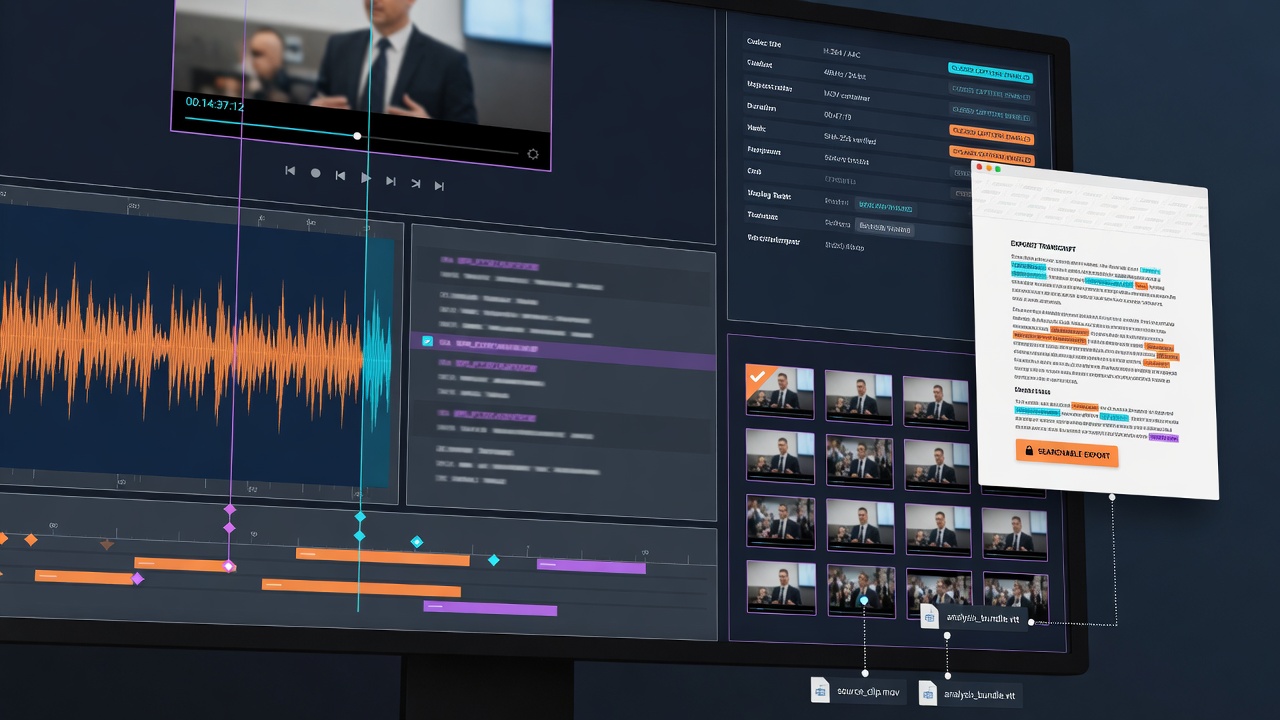
A media file can contain useful decisions, spoken content, visual evidence, and technical problems that are difficult to access at first glance. Dojo helps turn local video and audio into work a person can inspect: metadata, transcript, thumbnails, captions, transformed outputs, and verified delivery files.
This is the analysis side of the multimedia workspace. Generation creates something new; inspection reveals what the actual source and output contain.
Transcribe local English speech
Local English-mode transcription creates a text surface for interviews, meetings, voice notes, lectures, demonstrations, and rough edits. The transcript can help locate a phrase, review what was said, draft captions, or identify sections worth keeping.
Audio clarity, accents, overlapping speakers, technical vocabulary, and background noise affect accuracy. Important wording must be checked against the source. The transcript is a working artifact, not a reason to skip editorial review.
Inspect the file before changing it
Metadata and codec inspection answer foundational questions: duration, frame size, frame rate, video and audio codecs, container, streams, and embedded subtitles. These details explain why a file may fail on a platform or behave differently across devices.
Inspect first, then choose the transformation. A file may need audio extraction, an exact trim, resize, remux, transcode, thumbnail, subtitle track, or smaller review copy. The right operation follows the delivery goal—not a generic preset.
Create useful artifacts
Thumbnails make media libraries and reviews easier to scan. Contact sheets can compare candidate moments. Caption files make spoken content usable in more contexts. Muxing can combine compatible video, audio, and subtitle streams without rebuilding everything from scratch.
Keep original files untouched and create clear output copies. After each operation, measure the real duration, dimensions, streams, and codec. Open the result at a nonzero timestamp and confirm that picture, sound, subtitles, and sync behave as expected.
Verification is part of media processing
After a transformation, inspect the beginning, middle, and end. Confirm audio sync, frame geometry, subtitle timing, and browser compatibility. An MP4 extension alone does not guarantee a browser can decode the video inside it.
Review critical quotations against the recording. Verify thumbnails represent the source honestly. Confirm outputs exist at the measured size and duration instead of reporting the values the command requested.
Reliable media work ends with the actual artifact open and checked.
Understand the file, then shape it
Transcription and analysis make media easier to search, reuse, deliver, and trust. Dojo brings local English transcription, metadata inspection, transformations, thumbnails, subtitles, muxing, and verification into one practical flow.
The result is less time guessing what is inside a file—and more time deciding what the media should become.